![AtomLearningLogo_White.svg]](https://resources.atomlearning.co.uk/hubfs/AtomLearningLogo_White.svg)
- Sign in to Atom Home with your parent account.
- If you’re already in the app, select the profile icon, then My settings, and enter your parent password.
- Select Go to settings.
- Under Parent settings, select Refer a friend.
Once you’re on the Referrals page, enter your friend’s email address in the referral box and click ‘Send Invitation’. This will send them an email with a sign-up link. To receive the referral benefit, your friend must register for their free trial using this link.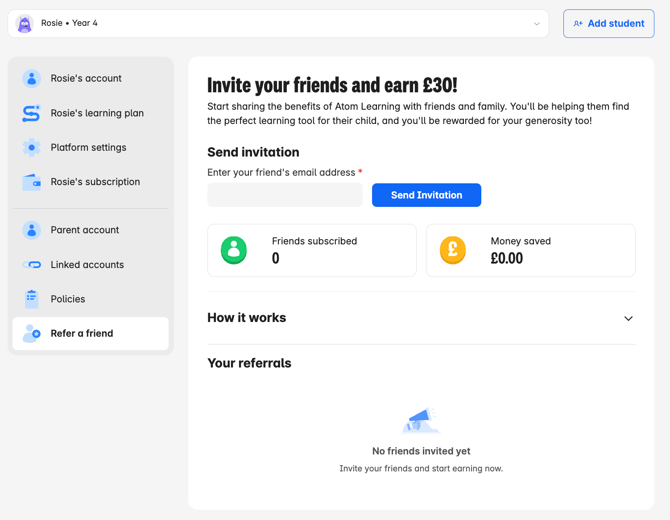
If your friend continues their subscription after the 5-day free trial, they will receive £30 off their first payment, and you will receive £30 off your next payment.
You can check how many friends you've successfully referred to the platform under the 'Your referrals' section at the bottom of the page.